Apono Releases MCP Server for Admins

Gabriel Avner
November 19, 2025
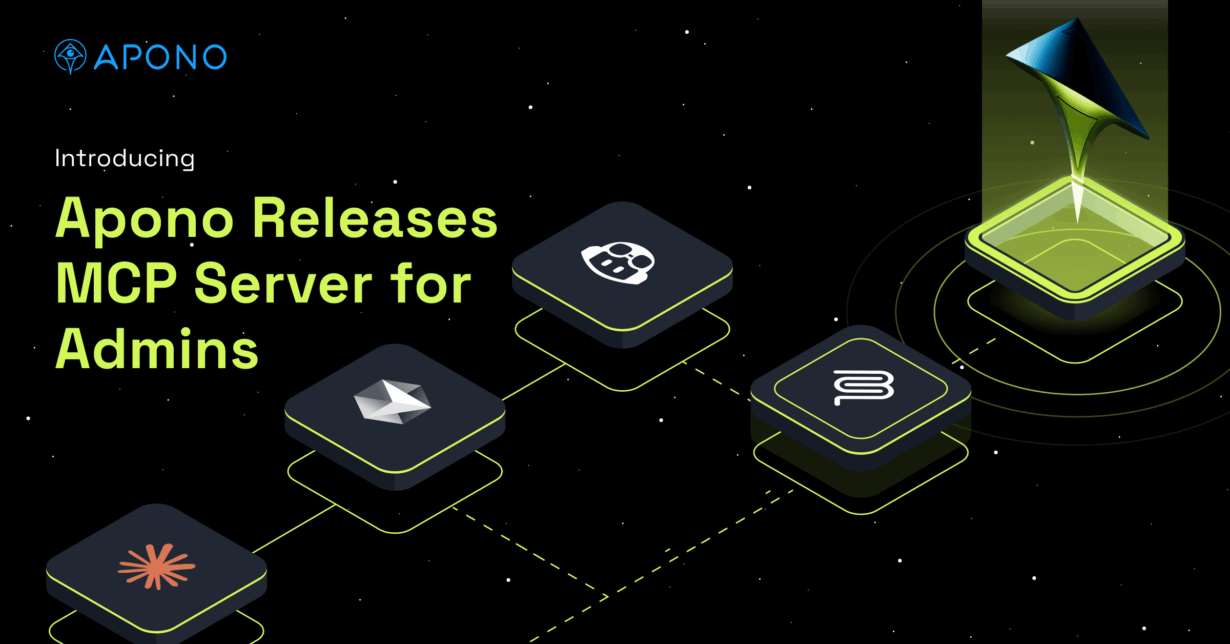
We’re excited to announce the launch of our MCP server for Apono administrators — giving security and DevOps teams the ability to surface complex access data instantly, without the endless API queries, spreadsheets, or manual digging that slows everyone down.
Admins are the guardians of access. But when they need answers like “Which users are included in this access flow?” or “Who has access to production?”, getting that data today can take hours. Teams often wrestle with APIs or cobble together manual exports, creating bottlenecks and frustration while slowing down audits and compliance.
The Admin MCP changes that.
Why MCPs Matter for Admins
AI assistants like Cursor, Claude, and Amazon Q are redefining how teams work. Instead of navigating multiple tools, admins can simply ask questions in natural language and get structured, reliable answers.
Model Context Protocol (MCP) makes this possible by connecting AI assistants directly to enterprise systems. Think of it as the “USB-C” of enterprise workflows — a standard that lets AI securely query and retrieve information from your most critical tools.
For admins, this means compliance checks, audits, and day-to-day governance tasks can be handled faster and with greater confidence.
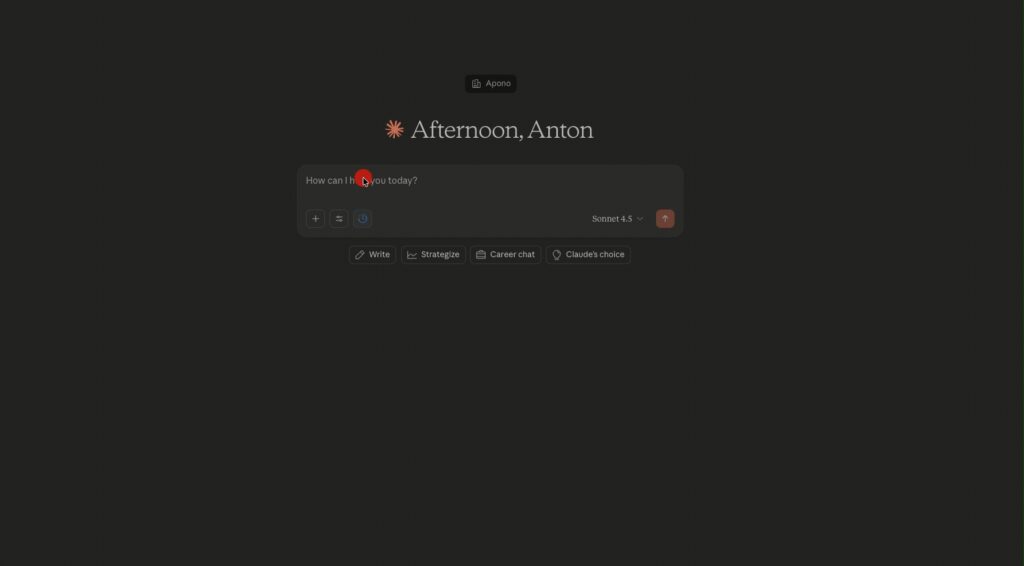
How Apono’s Admin MCP Server Works
Our Admin MCP Server applies this model to access governance:
- Interpret Intent — Understand the question an admin is asking.
- Query Apono — Use MCP APIs to fetch resource, access flows, bundle, audit or scope data.
- Surface Context — Expand group memberships, identify MFA policies, or show approval settings.
- Deliver Outcome — Return structured, auditable answers that can be used for compliance, rightsizing, or troubleshooting.
All operations are logged to ensure full traceability and auditability.

What Admins Can Do
With the Apono MCP Server, admins can:
- Answer Governance Questions Instantly — “Which access flows include this user, directly or through a group?”
- Audit Configurations — Review all flows tied to production or requiring MFA.
- Inspect Access Flows — Drill into who can request access, which resources are affected, and whether MFA or approvals are required.
- Analyze Bundles — List bundles and permissions, or drill into a specific one (e.g., “What does the Prod Admin Bundle include?”).
- Review Scopes — Show scope definitions, filtering rules, and how tags like env:production shape access.
Common Use Cases
- Compliance Evidence — Gather data for SOC 2 or internal audits without days of prep.
- Troubleshooting — Quickly see why a user can’t request access to a resource.
- Rightsizing — Spot overly broad bundles or unused flows that increase risk.
- Transparency — Show exactly how policies, conditions, and MFA requirements apply to critical environments.
Value Across the Lifecycle
The Apono Admin MCP Server makes life easier for security and compliance teams while improving governance across the board:
- Simplify Audits — Compliance evidence is available on demand.
- Reduce Overhead — No more hunting through APIs or multiple dashboards.
- Improve Visibility — See how access is granted across users, groups, bundles, and scopes.
- Strengthen Governance — Ensure least privilege is enforced with clarity and confidence.
- Stay Ahead — Position your organization as an early adopter of AI-driven access governance.
Where You Can Use It
Admins can work directly in the tools they already use:
- Chat: Cursor, Claude, Gemini, GitHub Copilot
- Collaboration: Slack, Teams
- LLM Consoles: Amazon Q and MCP-enabled assistants
This means admins don’t need to leave their workflow to chase down access data — it comes to them.
Get Started
With Apono’s Admin MCP Server, access governance becomes faster, smarter, and more auditable.
Admins can instantly surface the answers they need for compliance, troubleshooting, or security reviews — freeing up valuable time while keeping risk under control. Reach out to us to start the conversation and request a demo of the Apono Admin MCP Server today.